 field teams
Aug 13, 2026
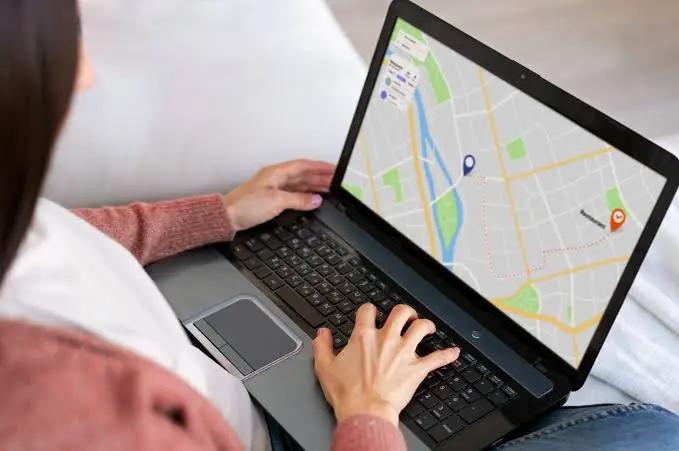
Live GPS Tracking: What Dispatchers Actually See in Real Time
Stop guessing where your team is. Here's how live location tracking works in FieldOps, and what it changes for dispatchers, managers, and the field.
Read moreFieldOps gives dispatchers a live view of every task and every worker, so nothing slips between the office and the field.
Built for field teams in every industry
One platform, configured for the way your industry works.
From sign-up to your first assigned task in three simple steps.
Set up your workspace in a couple of minutes - no credit card, no waiting.
Add dispatchers, managers, and field workers. Each one gets the access their role needs.
Create a task, assign a worker, and watch it move from assigned to completed.
Three areas, one platform - run the work, know your people, and set the rules once.
Run the day-to-day.
Assign, track, and close out field work as it happens.
See every worker's location and status in real time.
Know your workforce.
A single record for every field worker you employ.
See who's stretched thin and who has room to take more.
Set the rules once.
Route new tasks to the right worker automatically.
Catch a breach before your customer does.
Pick an industry blueprint during setup and start with the structure, roles and notification policy that fit how your team works - and change any part of it.
Industry roles
Ready on day one
Notification policy
Set for you
Live tasks
Track every job
High-churn job sites: supervisors run the full work-order lifecycle.
Coordinator-dispatched visits with a documented clinical sign-off step.
Route-based dispatch built around live tracking, with no review step.
Built for teams who dispatch and track work every single day.
See every task and every worker live - no spreadsheets, no guesswork.
One system, whether you're in the office or out on-site.
Built around dispatching and tracking work daily, not bolted on as an extra.
Works for a five-person crew today, and a multi-branch operation tomorrow.
One system, two experiences - each built for how that person actually works.
For dispatchers & managers
Assign tasks, watch the live map, and keep an eye on SLAs from a desk or a laptop - everything a dispatcher needs, without switching tools.
For field workers
Workers see their assigned tasks, share their location, and update progress from their phone - no paperwork, no end-of-day guesswork.
Pick the plan that fits your team - start free, no credit card required.
For small teams getting off the ground.
For growing field-service operations.
For large, multi-region organizations.
Quick answers about getting started with FieldOps.
Most teams are scheduling their first job within a day. Create your organization, invite your team, and start assigning tasks.
Yes - workers use the FieldOps mobile app to see their tasks, check job details, and update task status from the field.
Yes - FieldOps checks for conflicts when you schedule shifts and assign work, so you can catch overlaps before they become missed appointments.
Yes - workers are notified in the mobile app when a task is assigned or updated, so the field doesn't have to wait for a phone call.
Ideas, guides, and updates for field service teams.
Set up your organization in a few minutes.